Design·4 min read
Build faster with cabinet templates
Start from a base, wall, tall, vanity or corner template and generate a full parts list the moment you set the dimensions.
Templates are pre-built cabinets you size to your job. Where the designer is for one-off boxes, templates are for the runs you build again and again — a kitchen of base units, a wall of bookcases, a bank of drawers.
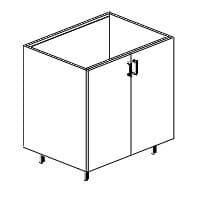
Base · 2 door
Base · 33 × 34 × 24"
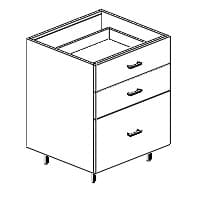
Drawer base
Base · 27 × 34 × 24"
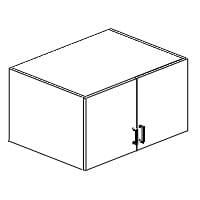
Wall · 2 door
Wall · 33 × 18 × 24"
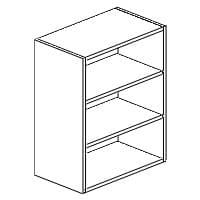
Wall · open
Wall · 24 × 30 × 13"
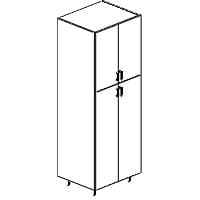
Tall pantry
Tall · 30 × 84 × 24"
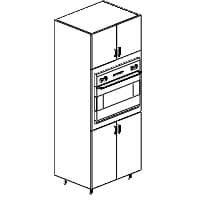
Oven tall
Tall · 33 × 84 × 24"
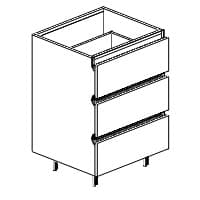
Vanity base
Vanity · 24 × 34 × 21"
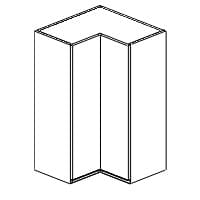
Wall corner
Corner · 24 × 39 × 13"
How templates save time
- Every template already knows its part set — you only supply dimensions.
- Change the width once and every dependent part resizes correctly.
- Drop several sized cabinets into one project and optimize them together across your sheets.
Save your own
With Pro you can save a configured cabinet as a reusable template and add it to any project — so your shop’s standard 600 base or 300 drawer bank is always one tap away.
Try it on your next job
Free to download, free to cut with — no account needed.